SketchNotes Skill & Prompts
Turn any idea into a hand-drawn sketchnote in your brand colors, with no drawing required.
$27.00 one time
- Free
- Works with any image tool
- No drawing needed
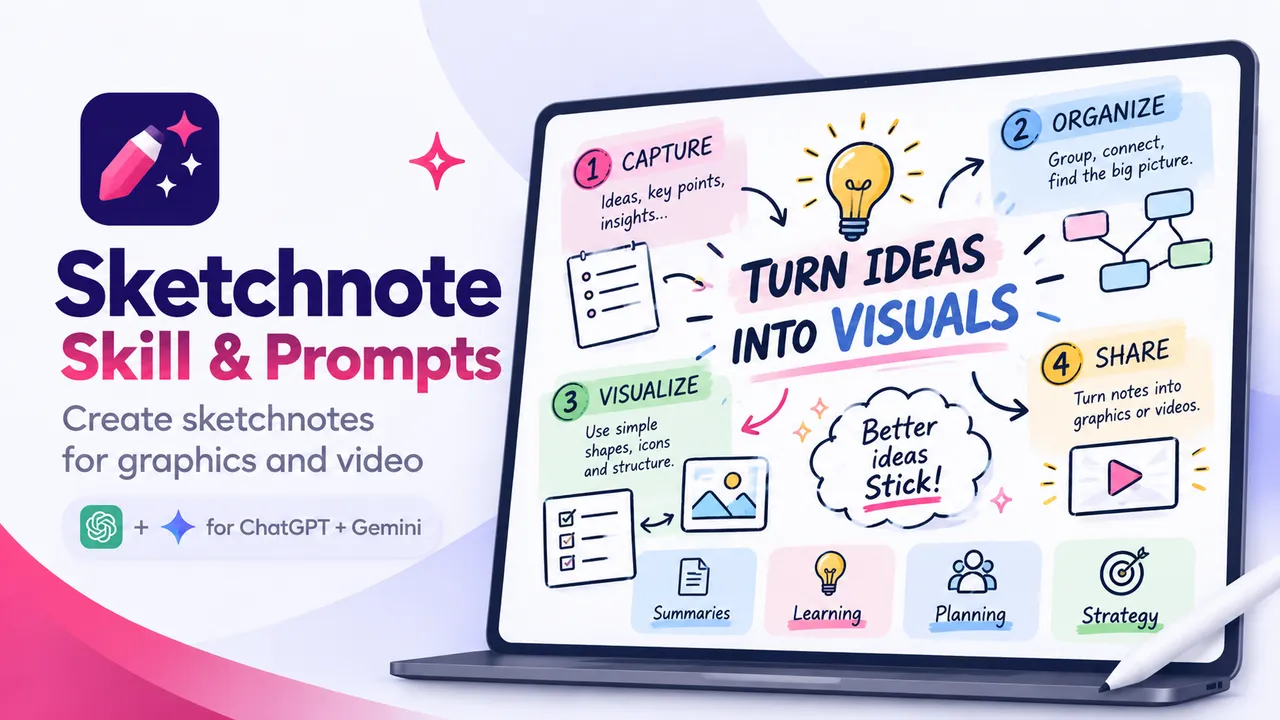
Sketchnotes in your own brand colors
The skill doesn't draw the image itself. It's the translator between your idea and your image tool: it writes a detailed sketchnote prompt, and you hand that prompt to ChatGPT, Gemini or whatever image tool you use.
You fill in your brand colors once, with exact hex values, so every sketchnote comes back looking like yours instead of close to yours.
What you get
- The Sketchnote skill for Claude
Works in Claude Projects or Claude Code. It asks what you want to sketchnote and writes the full prompt for you.
- The Markdown instructions
The same instructions as a plain file, for any other tool or for building your own agent.
- My Gemini Gem instructions
The exact system prompt I use for my square sketchnote Gem, ready to swap in your own colors and style.
- Two formats
Square (1080 x 1080) for Substack Notes and Instagram, and vertical (1080 x 1920) for Stories and Reels.
Who it's for
Perfect if
You want visuals for Substack Notes, Instagram or LinkedIn without opening a design tool.
Skip it if
You need polished vector graphics or infographics. These are meant to look hand-drawn.
Questions
Do I need to be able to draw?
Not at all. The image tool does the drawing. Your job is describing the idea, the layout and the style, and the skill helps you do that.
Which image tool works best?
I use Gemini with custom Gems because it holds brand colors well and can animate the results. ChatGPT handles detailed sketchnote prompts well too, it just can't animate yet. Honestly, the prompt matters more than the platform.
How do I keep them on brand?
Use exact hex values for your colors, not names like "blue." Put them in your Gem or a saved prompt once, and every sketchnote starts from your brand.
Can they be animated?
Yes, in Gemini. The elements draw on, fade in and build across the frame, and you can export them as short videos.
How long does one take?
About five to ten minutes, including a round or two of tweaks. The first result is the starting point, not the finish line.